Welcome to Conversion Rate Academy by ConversionWise, a learning platform designed to help ecommerce brands, marketers, and store owners improve their conversion rates using proven strategies, training, and tools.
This quick guide will help you get set up and start making the most out of the Academy.
Overview
Conversion Rate Academy gives members access to:
Conversion rate optimization (CRO) training
Expert resources and frameworks
Community discussions with other marketers
Exclusive tools and discounts
Live sessions and events
The goal is simple: help you turn more visitors into customers by applying real CRO strategies used by high-performing ecommerce stores.
To start benefiting from the platform, follow the steps below.
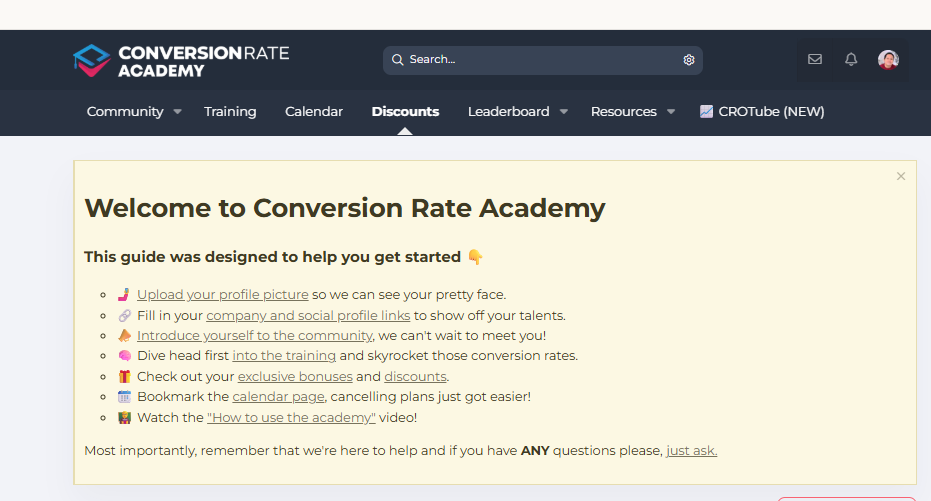
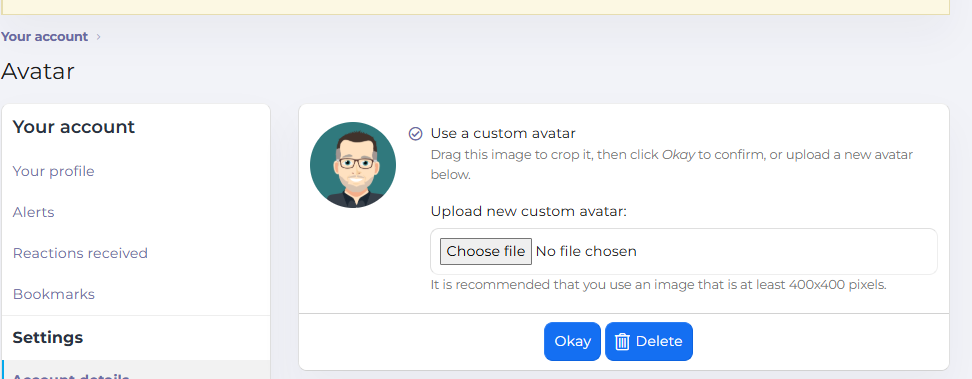
Step 1: Upload Your Profile Picture
Adding a profile photo helps other members recognize you in the community.
How to do it:
Click your profile icon in the top navigation.
Open Profile Settings.
Upload a profile picture.
This helps create a more personal and engaging community experience.
Step 2: Add Your Company & Social Links
Your profile allows you to share details about your work and expertise.
Recommended information to add:
Your company or brand
Your website
LinkedIn, Twitter, or other social profiles
Your role or specialization
This makes it easier for other members to connect, collaborate, and learn from each other.
Step 3: Introduce Yourself in the Community
The community section is where members share ideas, ask questions, and discuss CRO strategies.
To get started:
Go to Community
Create a short introduction post
Share:
What you do
What type of store or business you run
What you hope to learn from the academy
Members and experts often jump in to welcome new users and share helpful tips.
Step 4: Start the Training
Head over to the Training section and begin exploring the CRO lessons.
Inside the training area you'll find:
Structured CRO learning modules
Real-world ecommerce examples
Optimization frameworks used by experts
Practical steps you can apply to your store immediately
If you're new to conversion rate optimization, we recommend starting with the foundational modules first.
You can also explore advanced strategies from the ConversionWise Optimize program available at:
https://conversionwise.com/optimize/
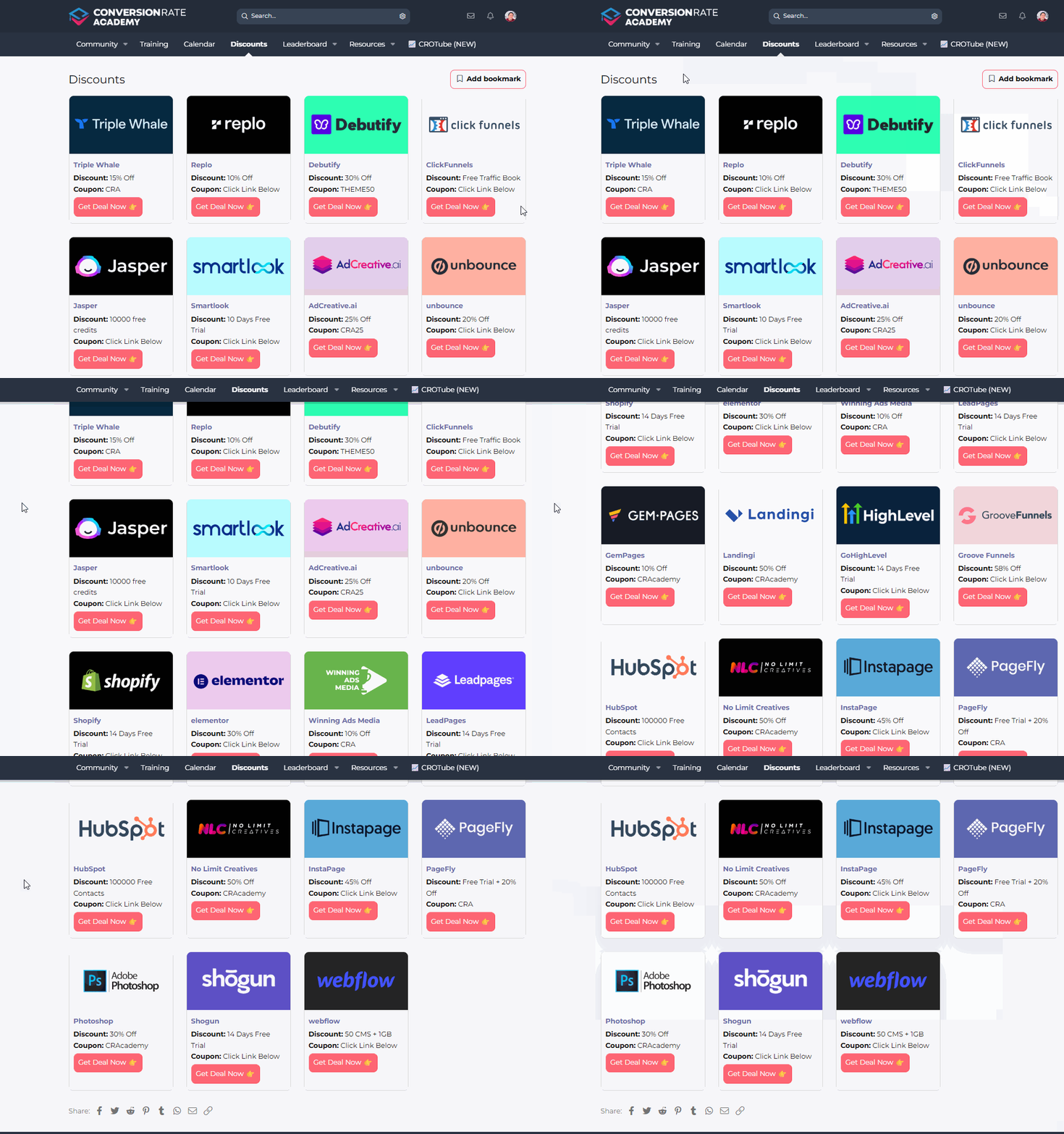
Step 5: Explore Bonuses & Discounts
Members of Conversion Rate Academy often receive exclusive partner offers and discounts.
To access them:
Navigate to Discounts
Browse available partner tools
Redeem any offers relevant to your store
These bonuses are designed to support your optimization journey.
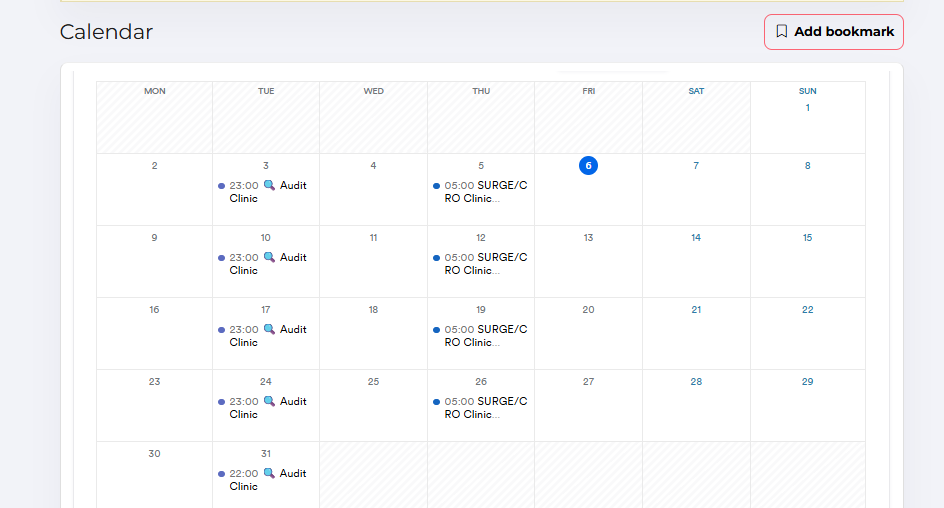
Step 6: Bookmark the Calendar
The Calendar section contains important events such as:
Live CRO trainings
Workshops
Q&A sessions
Community events
Bookmarking the calendar ensures you never miss a valuable session.
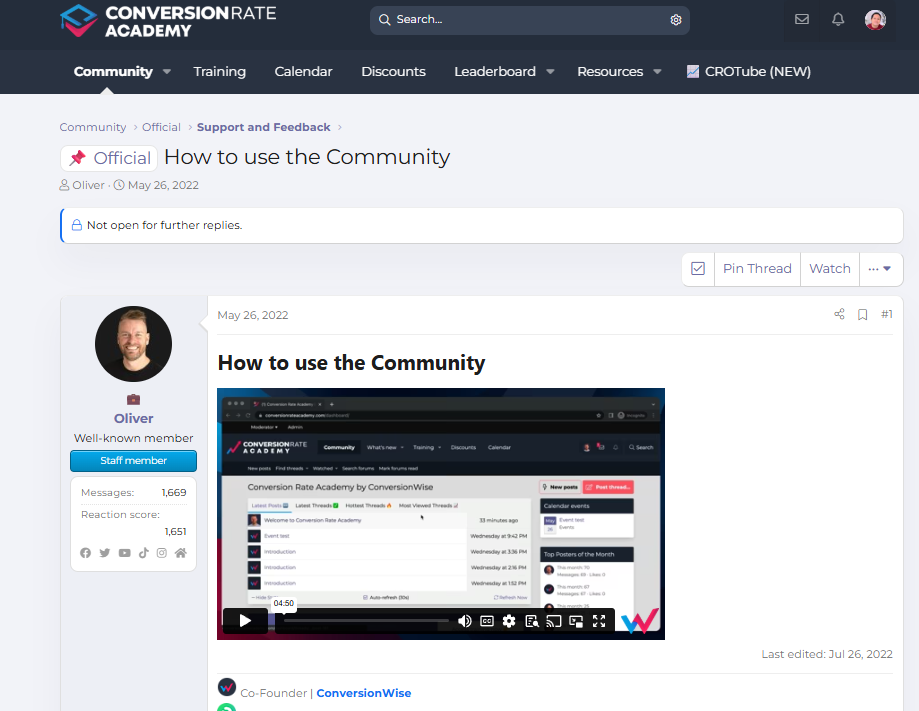
Step 7: Watch the Academy Walkthrough Video
Inside the platform you'll find a "How to Use the Academy" video that walks through:
Platform navigation
Where to find training
How to participate in the community
How to access resources
This is the fastest way to understand everything available to you.
Start Optimizing ?
You're now ready to start exploring Conversion Rate Academy and applying CRO strategies to your business.
If you ever have questions, the community and team are always happy to help.
For more information about the tools and optimization programs from ConversionWise, visit:
https://conversionwise.com/
✅ Need help?
If you need assistance getting started or have any questions, please:
Create a support ticket, or
Contact the team directly at support@conversionwise.com
We’re excited to have you in the Academy and look forward to helping you increase your conversion rates.
Was this article helpful?
That’s Great!
Thank you for your feedback
Sorry! We couldn't be helpful
Thank you for your feedback
Feedback sent
We appreciate your effort and will try to fix the article